WordPress plugin
With App-Embed plugin add a web-calculator created with Appizy to any post of your WordPress website. You can manage your web-calculator like any other item in the Media library of your WordPress website and embed them in any post type using a shortcode.
How does it work ?
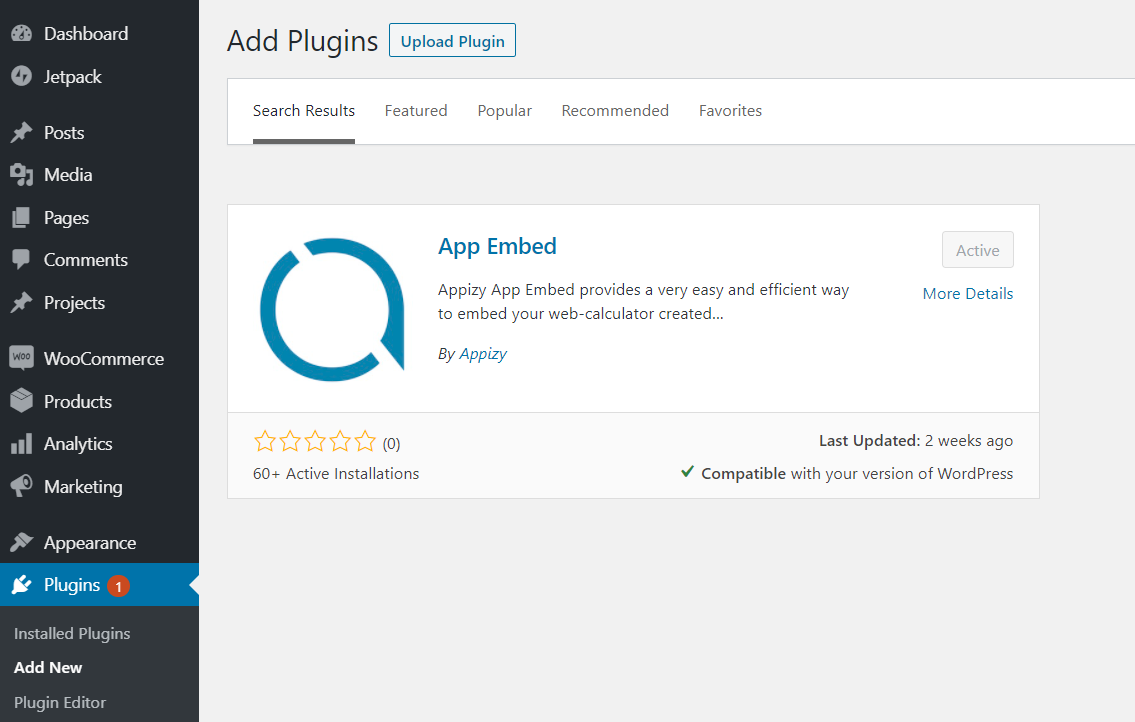
Plugin installation
Appizy App-Embed is a free to use WordPress plugin. It can be found on the WordPress plugin section: https://wordpress.org/plugins/appizy-app-embed/
You can manually download it from this page or use the installation interface inside WordPress administration interface.
Shortcode setup
Once you have the plugin installed:
- Go to your Media library and add your web-calculator to it.

- Go to ‘Tools > Appizy’ to see all available web-calculators in your WordPress.

- Copy the shortcode associated to the file of your choice and paste it into the post or page of your choice.
- Save the content and open it. The web-calculator is now embedded into your content.
Github Project
App-Embed plugin is an OpenSource project under GPL-3.0 license. You can see upcoming features, know issues or report a new one on the GitHub page. You can also fork the repository and propose new features with a Pull Request.